
State Web Template release v6.6.0 (V6) is live
This release has updated accordion features, two new dark mode themes, and revamped side navigation updates with no-code implementation. V6 is backward compatible, and upgrading will not break side navigation.
Learn how to get started with V6. You can download V6 and other State Template versions by visiting the GitHub repository releases page.
Update highlights
Accordion component
We replaced the accordion arrow icon dependency on the CA.gov icon font with a pure CSS border-based arrow.

You can learn more about the updated accordions on the State Template webpage.
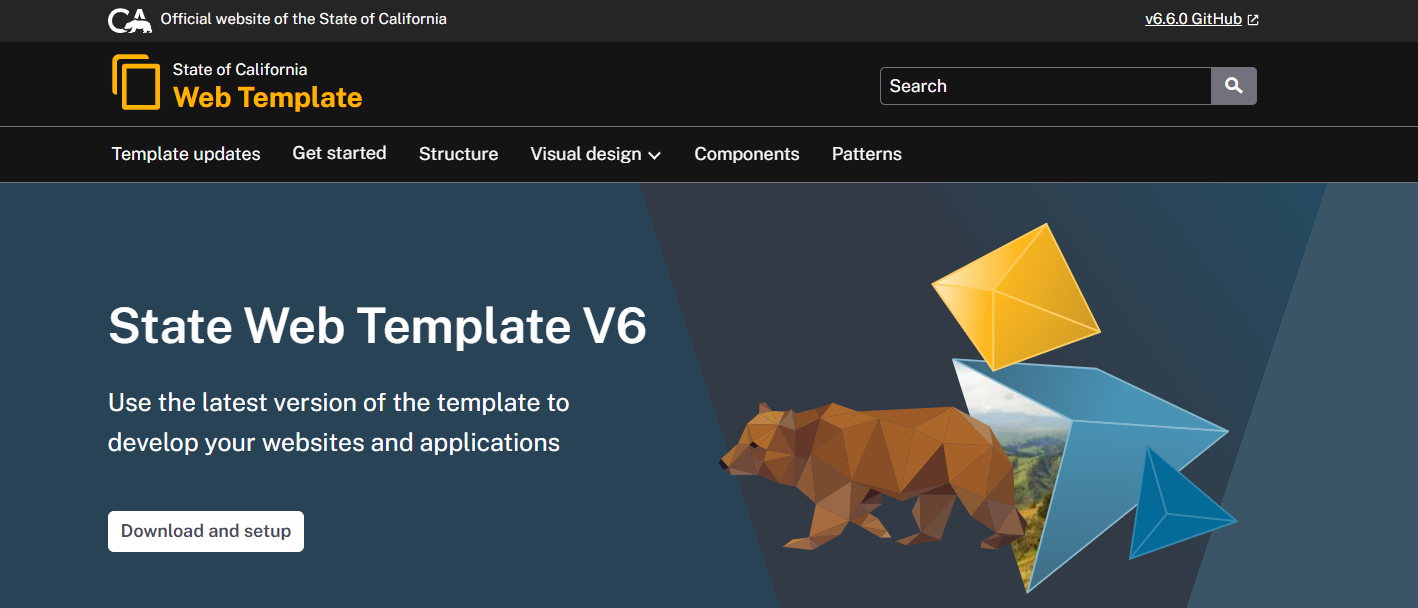
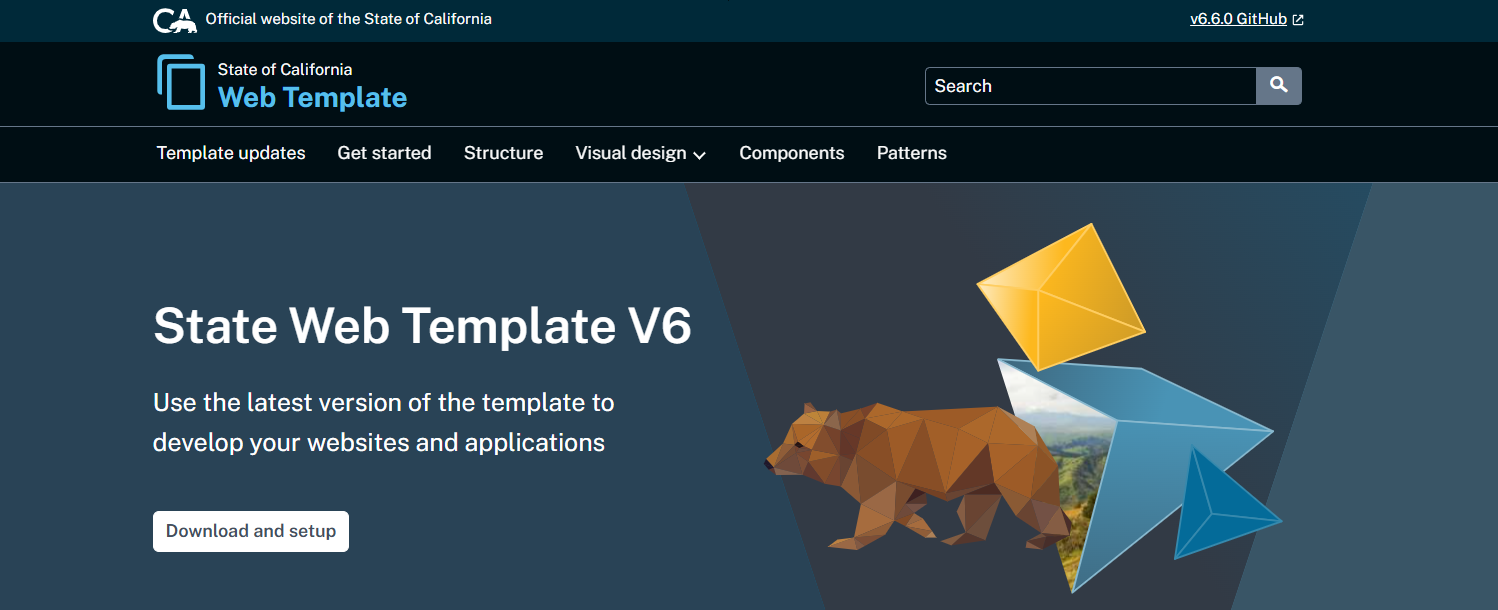
New dark mode themes: Ventura Dark and Ukiah Dark
We added two fully supported, production-ready dark mode themes built on the State Template CSS variable architecture.
Ventura Dark: A classic, high-contrast neutral dark theme that delivers a sleek, traditional experience using true blacks and charcoal tones, accented by the State’s signature gold.
Ukiah Dark: A deep, modern, oceanic theme that replaces stark blacks and grays with heavily saturated, ultra-dark blues across background and surface layers for a rich, professional look.
Side navigation
The side navigation was redesigned for mobile using native HTML controls. The new approach is no-code that uses native summary/details elements, with optional JavaScript enhancement.
The result: Simpler structure, better performance, and improved accessibility support.
Learn more about the side navigation update by visiting the documentation page in the State Template.